 CCTV
CCTV NETWORK
 SMART HOME
 SOFTWARE


How to Prevent Smart Devices from Overheating in Dubai

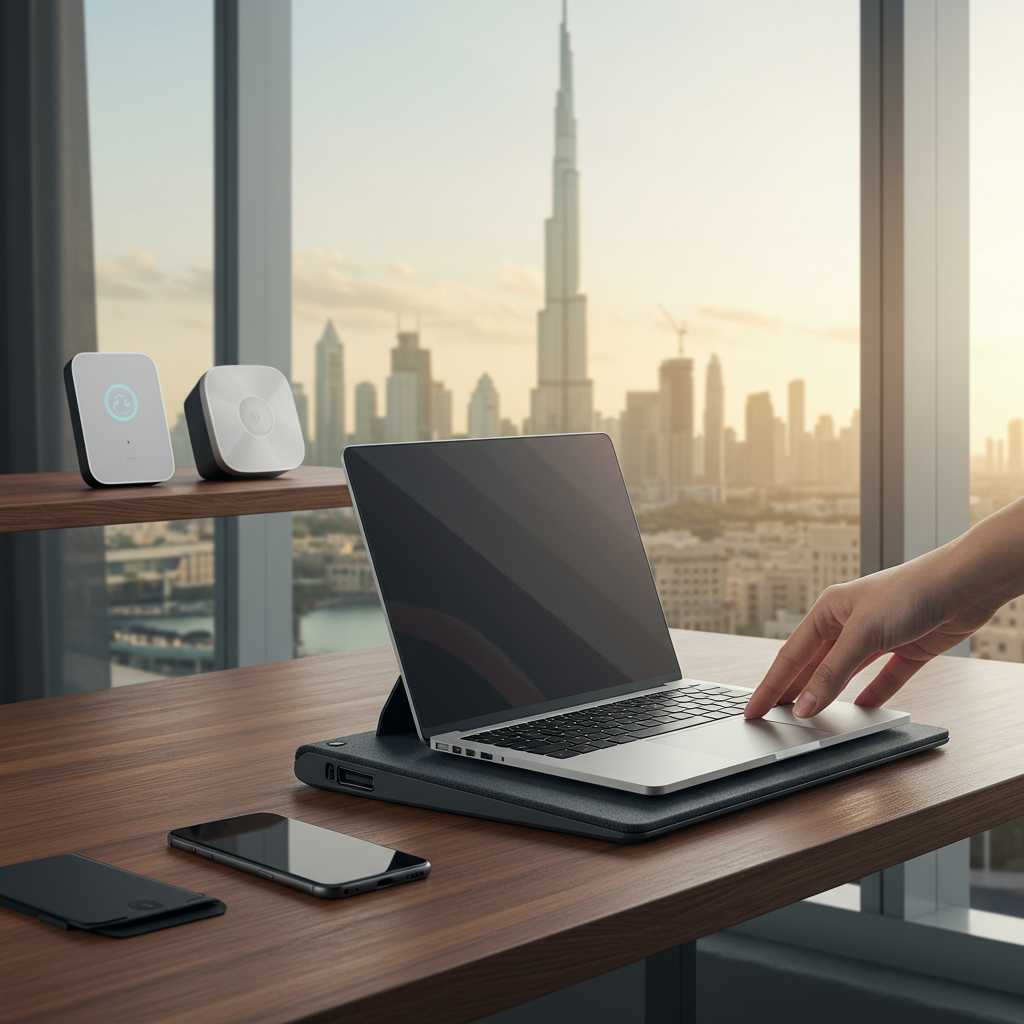
How to Prevent Smart Devices from Overheating in Dubai
Dubai’s scorching climate, characterized by intense heat and high humidity for much of the year, presents a unique challenge for electronic devices. From smartphones and laptops to smart home hubs and security cameras, modern gadgets are an integral part of our daily lives. However, these sophisticated pieces of technology are inherently sensitive to extreme temperatures. Overheating can lead to a multitude of problems, including reduced performance, diminished battery life, irreversible hardware damage, and in severe cases, even safety hazards like fires. Protecting your valuable smart devices from the relentless heat is not just about extending their lifespan; it’s about ensuring their optimal functionality and safeguarding your investment. This comprehensive guide will delve into practical, actionable strategies to prevent your smart devices from succumbing to the heat in Dubai’s demanding environment.
Understanding the Threat: Why Dubai’s Heat is Different
The ambient temperature in Dubai often soars past 40°C (104°F) during the summer months. While devices are designed to operate within a certain temperature range, this range is typically for their internal components, which generate their own heat during operation. When the external environment is already stiflingly hot, the device struggles to dissipate this internal heat effectively. High humidity further exacerbates the problem, as moist air is less efficient at carrying away heat compared to dry air. This cumulative heat stress can cause internal components to degrade rapidly, leading to slowdowns, unexpected shutdowns, and eventually, permanent damage. Batteries are particularly vulnerable, losing capacity and stability when exposed to prolonged heat. Recognizing these unique climatic challenges is the first step towards effective prevention.
General Prevention Strategies for All Smart Devices
While specific devices have their own vulnerabilities, several universal practices can significantly reduce the risk of overheating for all your gadgets:
- Avoid Direct Sunlight Exposure: This is perhaps the most critical rule. Even sitting near a window with direct sunlight streaming in can elevate a device’s temperature to dangerous levels in minutes. Always keep your devices in shaded areas, whether indoors or outdoors.
- Never Leave Devices in Hot Cars: A car parked under the Dubai sun can become an oven, reaching temperatures well over 60°C (140°F) very quickly. Leaving phones, laptops, or even portable chargers in a car is a sure way to damage them permanently.
- Ensure Proper Ventilation: Most devices have vents or mechanisms for heat dissipation. Ensure these are not obstructed by cases, furniture, or other objects. Always place laptops on hard, flat surfaces, or use a laptop stand to allow air to circulate beneath them.
- Remove Bulky Cases When Necessary: While protective cases are essential, some thicker designs can trap heat. If you’re engaging in a demanding task (like gaming or video editing) or if the ambient temperature is very high, temporarily removing the case can aid in heat dissipation.
- Prioritize Air-Conditioned Environments: Whenever possible, use and charge your devices in cool, air-conditioned spaces. This provides the ideal operating temperature for optimal performance and longevity.
- Keep Software Updated: Software updates often include optimizations that improve device efficiency, reducing the workload on processors and consequently, the heat generated.
- Close Unused Apps and Background Processes: Running multiple applications simultaneously, especially in the background, consumes processing power and generates heat. Regularly close apps you’re not actively using.
- Reduce Screen Brightness: The display is a significant power consumer. Lowering screen brightness, especially on smartphones and tablets, can reduce heat output.
- Utilize Low Power or Eco Modes: Many devices offer power-saving modes that throttle performance in favor of battery life and reduced heat. Enable these when high performance isn’t critical.
- Avoid Charging in Extreme Heat: The charging process itself generates heat. Charging a device in an already hot environment adds significant thermal stress. Charge your devices in cooler locations.
- Regular Cleaning: Dust and lint accumulate in vents and ports, acting as insulators and blocking airflow. Periodically clean your devices with compressed air or a soft brush, especially the charging ports and speaker grilles.
Device-Specific Prevention Tips
While general strategies apply, certain device types require specialized attention:
Smartphones and Tablets:
- Limit Intensive Usage: Avoid prolonged gaming sessions, high-resolution video streaming, or heavy multitasking, particularly when the phone already feels warm or when you’re in a hot environment.
- Use Car Mounts with AC Vents: If using your phone for navigation in the car, opt for a mount that allows air from the AC vent to blow directly onto the device.
- Don’t Place Under Pillows or Blankets: These act as insulators, trapping heat and quickly raising the device’s temperature.
Laptops and Desktops:
- Invest in a Cooling Pad: For laptops, a good cooling pad with built-in fans can provide significant airflow and help dissipate heat from the underside.
- Elevate Your Laptop: Even without a cooling pad, simply elevating the back of your laptop slightly (using books or a stand) can create better airflow beneath it.
- Regular Internal Cleaning: For desktops, and occasionally for laptops by a professional, cleaning internal fans and heat sinks of dust buildup is crucial for thermal efficiency.
- Monitor Temperature: Use software tools to monitor your CPU and GPU temperatures. This can help you identify overheating issues before they become critical.
Smart Home Devices (Hubs, Cameras, Speakers, etc.):
- Strategic Placement: Place smart home hubs, routers, and other always-on devices in well-ventilated areas, away from direct sunlight, windows, or heat-emitting appliances.
- Outdoor Devices: For outdoor smart security cameras or sensors, always choose models specifically rated for extreme temperatures and weather (e.g., IP65/IP66). Ensure they are installed in shaded locations or under eaves to protect them from direct sun exposure. For comprehensive smart home solutions, including durable security cameras designed for demanding environments, consider consulting experts like Megaintersec. Their expertise in integrated systems can help you select devices that are resilient to Dubai’s climate.
- Avoid Enclosures: While aesthetically pleasing, enclosing smart speakers or hubs in tight cabinets can restrict airflow and lead to overheating.
Advanced Measures & Professional Help
For critical infrastructure or advanced setups, additional measures might be necessary:
- Thermal Management Systems: For server rooms, data centers, or extensive smart building installations, dedicated thermal management and cooling systems are indispensable.
- Professional Maintenance: For complex devices or systems, professional cleaning and thermal paste replacement (for laptops/desktops) can significantly improve heat dissipation.
- Investing in Quality: When purchasing new devices, especially those intended for outdoor use or continuous operation, research their thermal design and build quality. Reputable brands often engineer their products with better heat management solutions. Ensuring the longevity and optimal performance of your smart devices, especially in a demanding environment like Dubai, often requires not just good practices but also reliable infrastructure. Smart infrastructure solutions can play a crucial role. From securing your premises with advanced surveillance to optimizing your network for peak performance, understanding how to integrate and manage your technology effectively is paramount. Discover more about integrated technology solutions that can help protect your investments.
Conclusion
Preventing smart devices from overheating in Dubai’s challenging climate is not an option but a necessity. By understanding the unique environmental factors at play and implementing a combination of general best practices and device-specific strategies, you can significantly extend the life of your gadgets, maintain their optimal performance, and avoid costly repairs or replacements. Vigilance, mindful usage, and a proactive approach to device care are your best defenses against the relentless heat. Protect your technology, and it will serve you reliably for years to come, even in the heart of the desert.
 UNV
UNV Dahua
Dahua Hikvision
 Cisco
Cisco Mikrotik
 Dalton smart locks